> ## Documentation Index
> Fetch the complete documentation index at: https://litprotocol-vincent.mintlify.site/llms.txt
> Use this file to discover all available pages before exploring further.
# Publishing Policies
Vincent Policies need to be published to our database before they can be accessible to application developers.
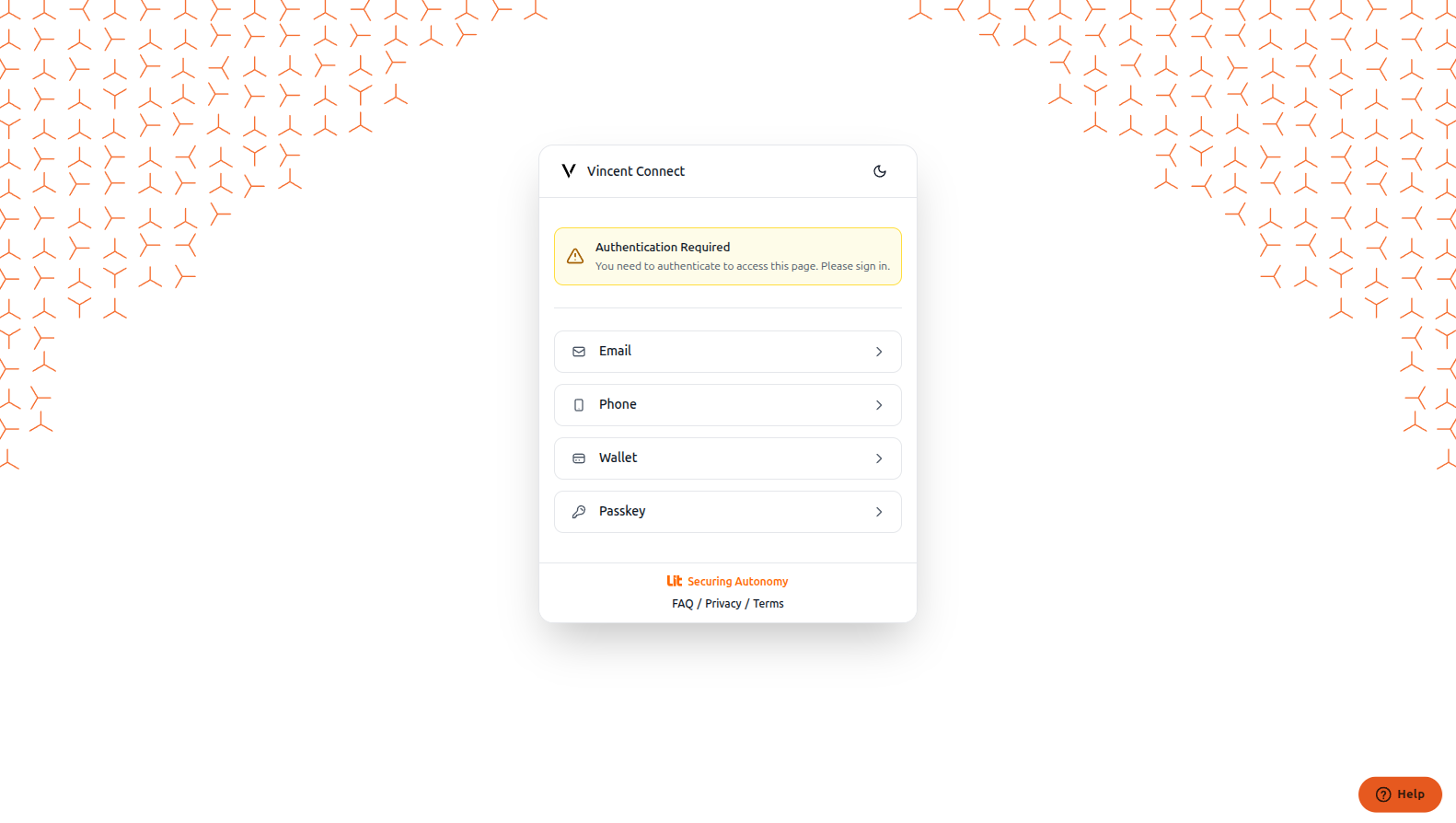
Go to the [Vincent Developer Dashboard](https://dashboard.heyvincent.ai) and log in with your preferred authentication method.
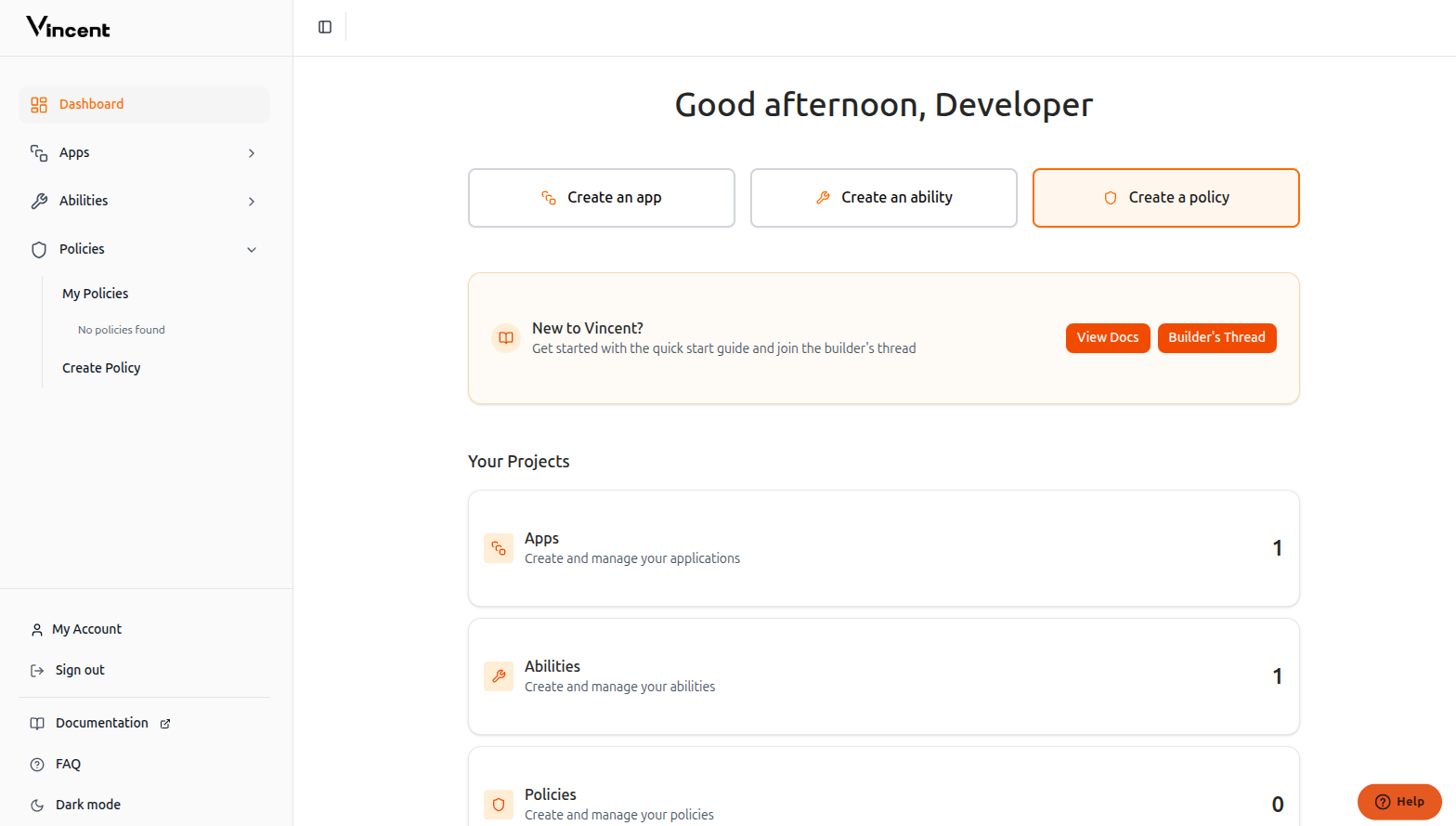
 After logging in, click the **Create a policy** button to access the [Create Policy Page](https://dashboard.heyvincent.ai/developer/create-policy).
 Complete the form with your policy information:
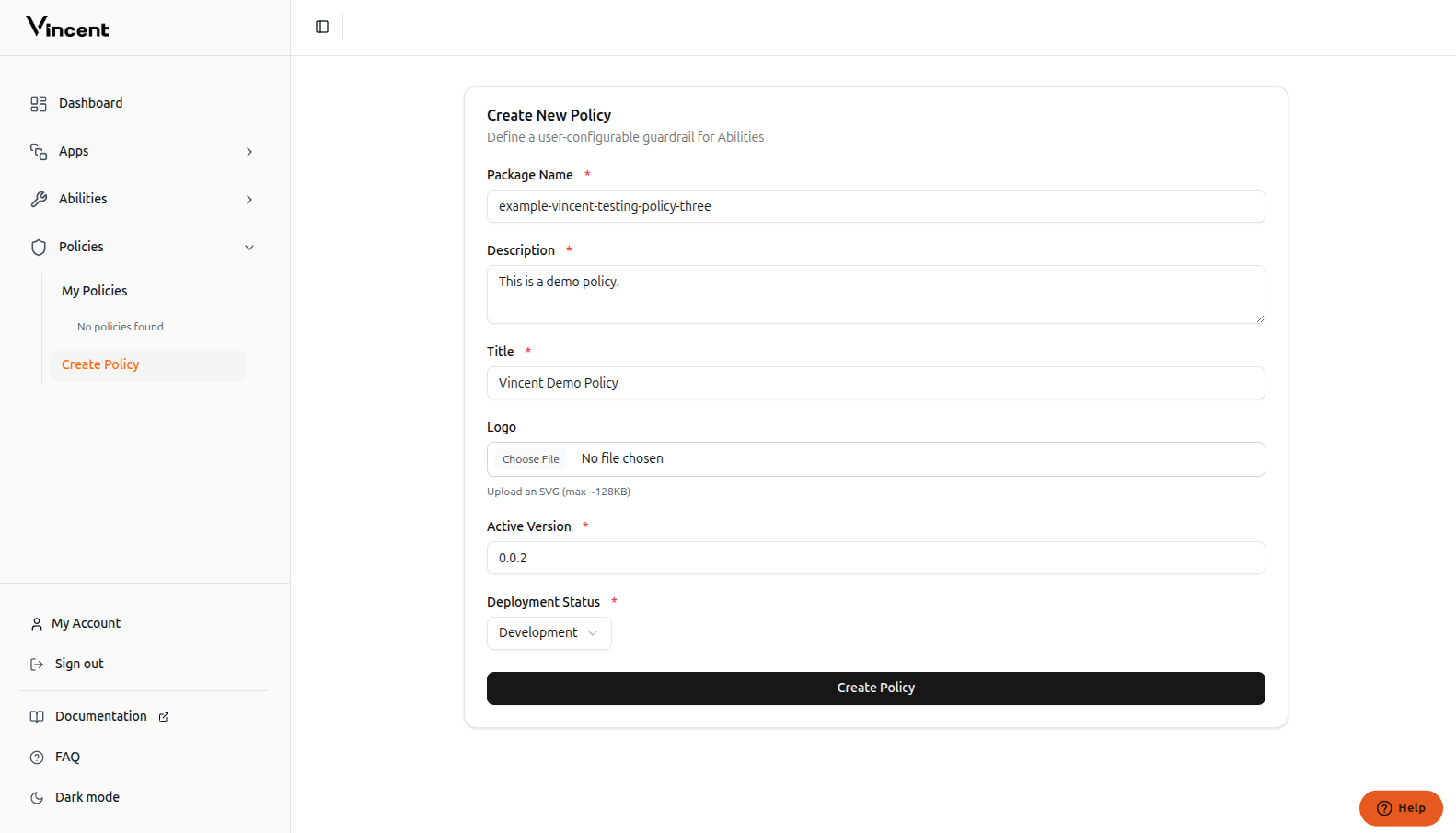 The published `npm` package name
The policy description
The policy title
Image of your policy shown to users during delegation
The policy version which will be used by app creators
The current status of the policy
This version must be published to `npm`. Aside from the package name, all other metadata is editable.
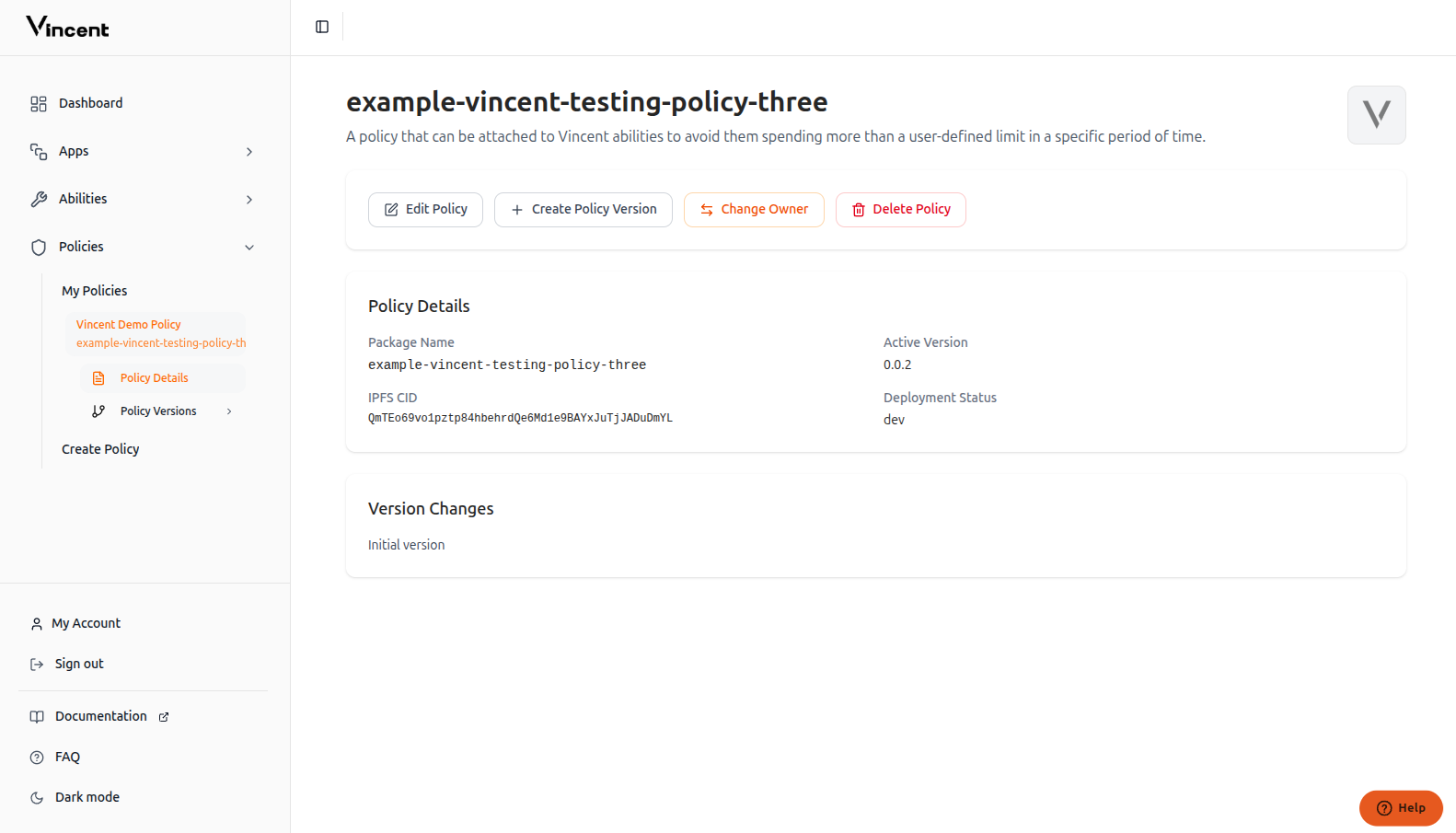
Your policy has been successfully published to the Vincent database and is now available for app developers to use.
The published `npm` package name
The policy description
The policy title
Image of your policy shown to users during delegation
The policy version which will be used by app creators
The current status of the policy
This version must be published to `npm`. Aside from the package name, all other metadata is editable.
Your policy has been successfully published to the Vincent database and is now available for app developers to use.
 ## Updating Your Policy
When you want to release a new version of your policy, you'll need to update our database with the new version information. We'll cover the version update process in the next section.
## Next Steps
Build your first Policy with the starter kit
Define user parameters and ability interfaces
This documentation is built and hosted on [Mintlify](https://mintlify.com), a developer documentation platform.
## Updating Your Policy
When you want to release a new version of your policy, you'll need to update our database with the new version information. We'll cover the version update process in the next section.
## Next Steps
Build your first Policy with the starter kit
Define user parameters and ability interfaces
This documentation is built and hosted on [Mintlify](https://mintlify.com), a developer documentation platform.