> ## Documentation Index
> Fetch the complete documentation index at: https://litprotocol-vincent.mintlify.site/llms.txt
> Use this file to discover all available pages before exploring further.
# Updating Policies
Updated Vincent Policies need to be added to our database before they can be accessible to application developers.
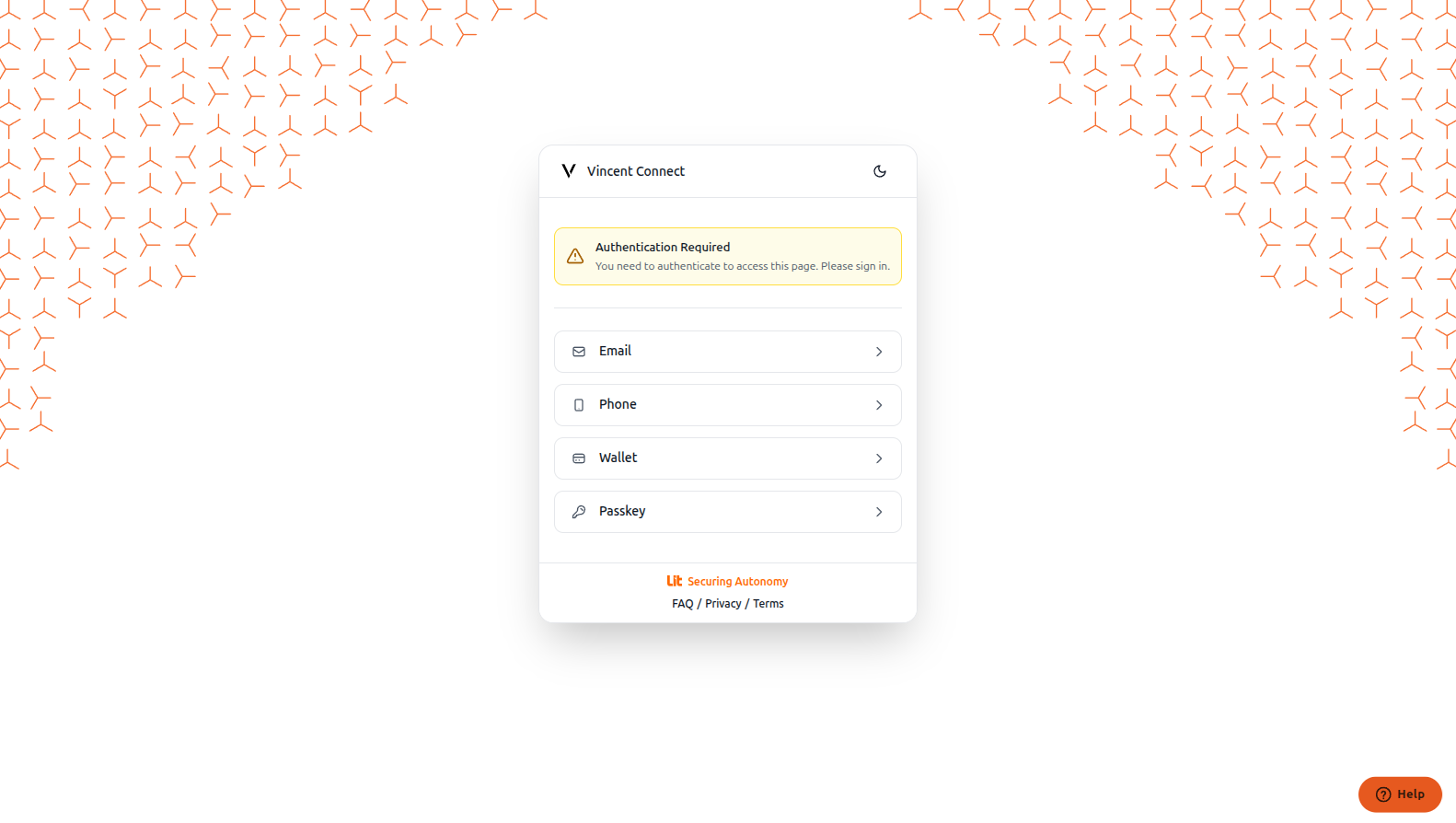
Go to the [Vincent Developer Dashboard](https://dashboard.heyvincent.ai) and log in with your preferred authentication method.
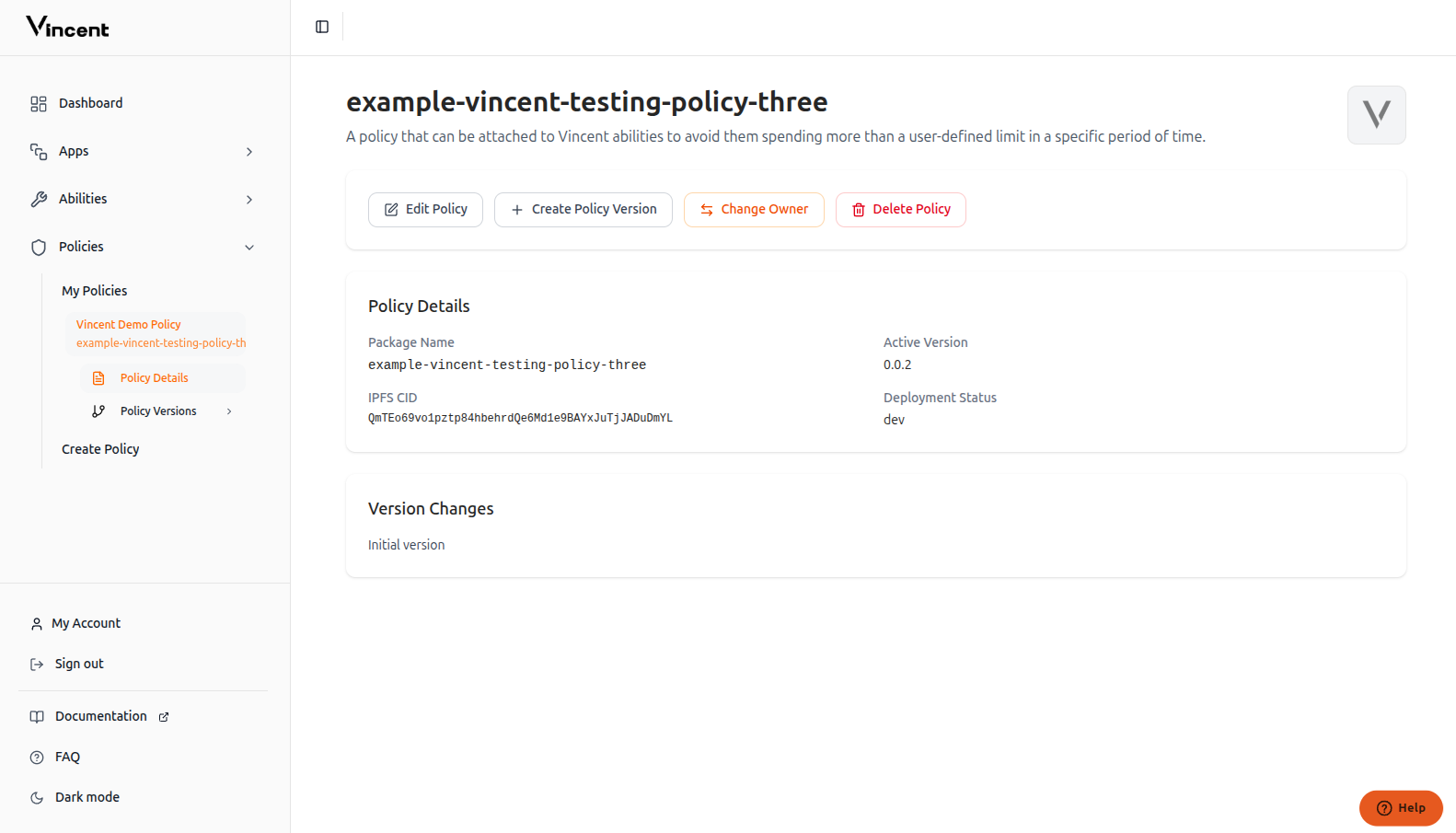
 After logging in, navigate to your policy through the sidebar menu.
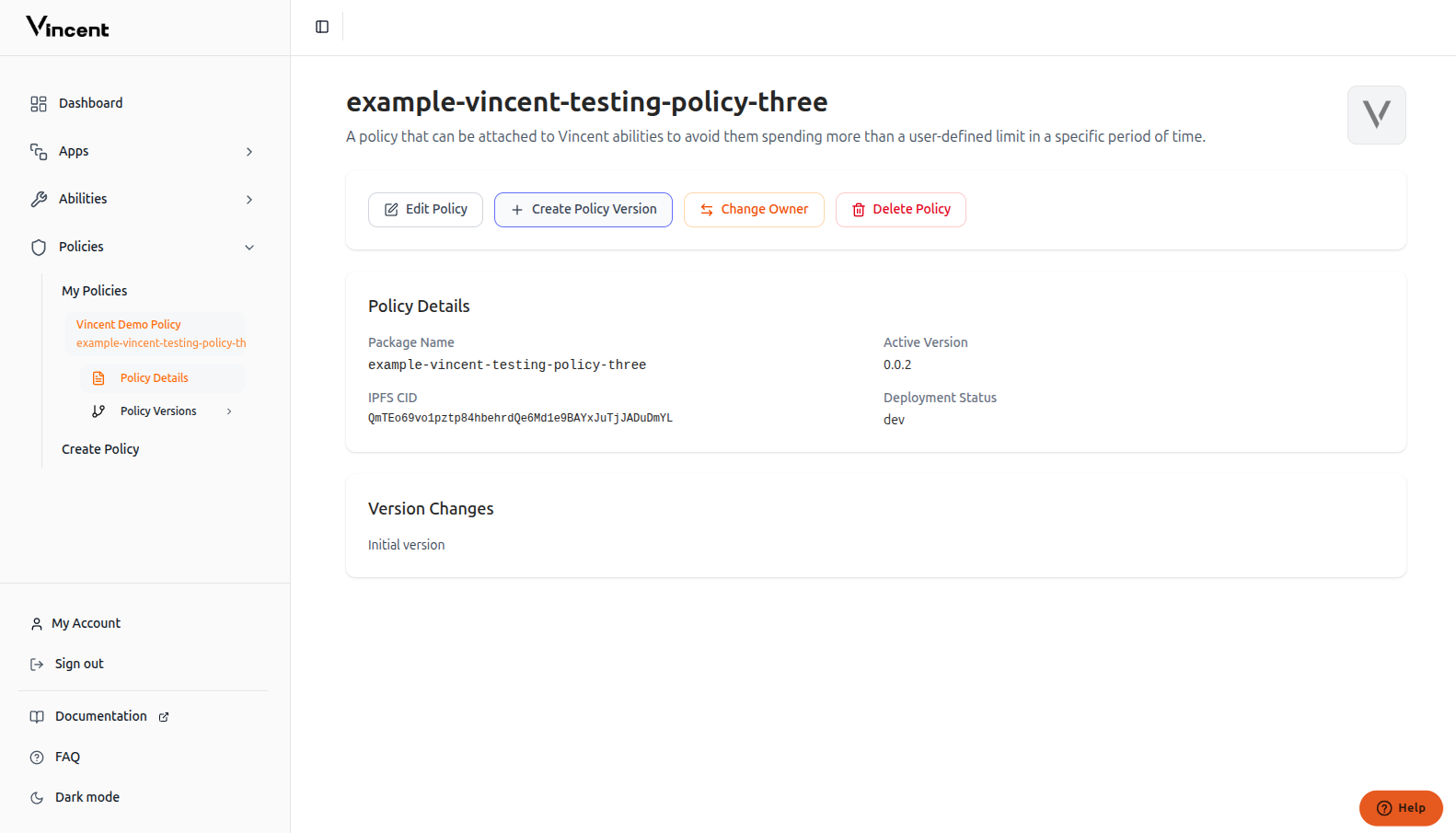
 Click the **Create Policy Version** button to create a new version of your existing policy.
 Complete the form with your new version information and click **Create Version**.
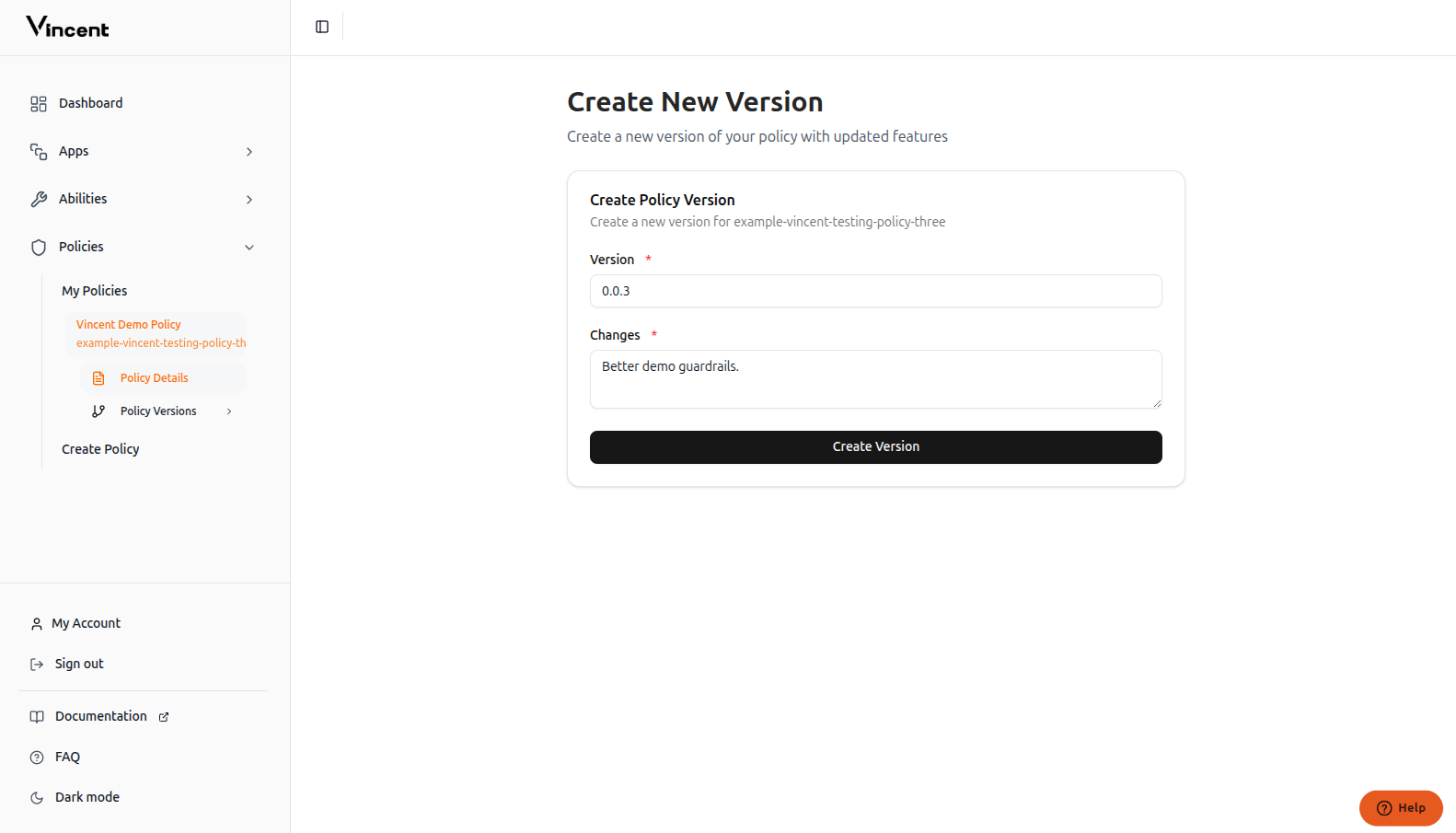 The new Policy version you'd like to add to the Vincent database.
Changes made to the policy since the previous version.
This version must be published to `npm`. The `changes` field is editable.
Your new policy version has been successfully added to the Vincent database and is now available for Ability developers to use.
## FAQ
If your policy version creation fails, try these solutions:
* **Check npm publication**: Make sure the policy version is published on npm and publicly accessible
* **Verify policy setup**: Ensure the policy is published properly with all required metadata
* **Review implementation**: Check that your policy follows the correct structure and conventions
For detailed guidance on setting up policies correctly, see our [Policy Quick Start guide](/ability/policy/quickstart).
## Next Steps
Build your first Policy with the starter kit
Publish your updated Policy version
This documentation is built and hosted on [Mintlify](https://mintlify.com), a developer documentation platform.
The new Policy version you'd like to add to the Vincent database.
Changes made to the policy since the previous version.
This version must be published to `npm`. The `changes` field is editable.
Your new policy version has been successfully added to the Vincent database and is now available for Ability developers to use.
## FAQ
If your policy version creation fails, try these solutions:
* **Check npm publication**: Make sure the policy version is published on npm and publicly accessible
* **Verify policy setup**: Ensure the policy is published properly with all required metadata
* **Review implementation**: Check that your policy follows the correct structure and conventions
For detailed guidance on setting up policies correctly, see our [Policy Quick Start guide](/ability/policy/quickstart).
## Next Steps
Build your first Policy with the starter kit
Publish your updated Policy version
This documentation is built and hosted on [Mintlify](https://mintlify.com), a developer documentation platform.