

1
Log into the Vincent Developer Dashboard
Go to the Vincent Developer Dashboard and log in with your preferred authentication method.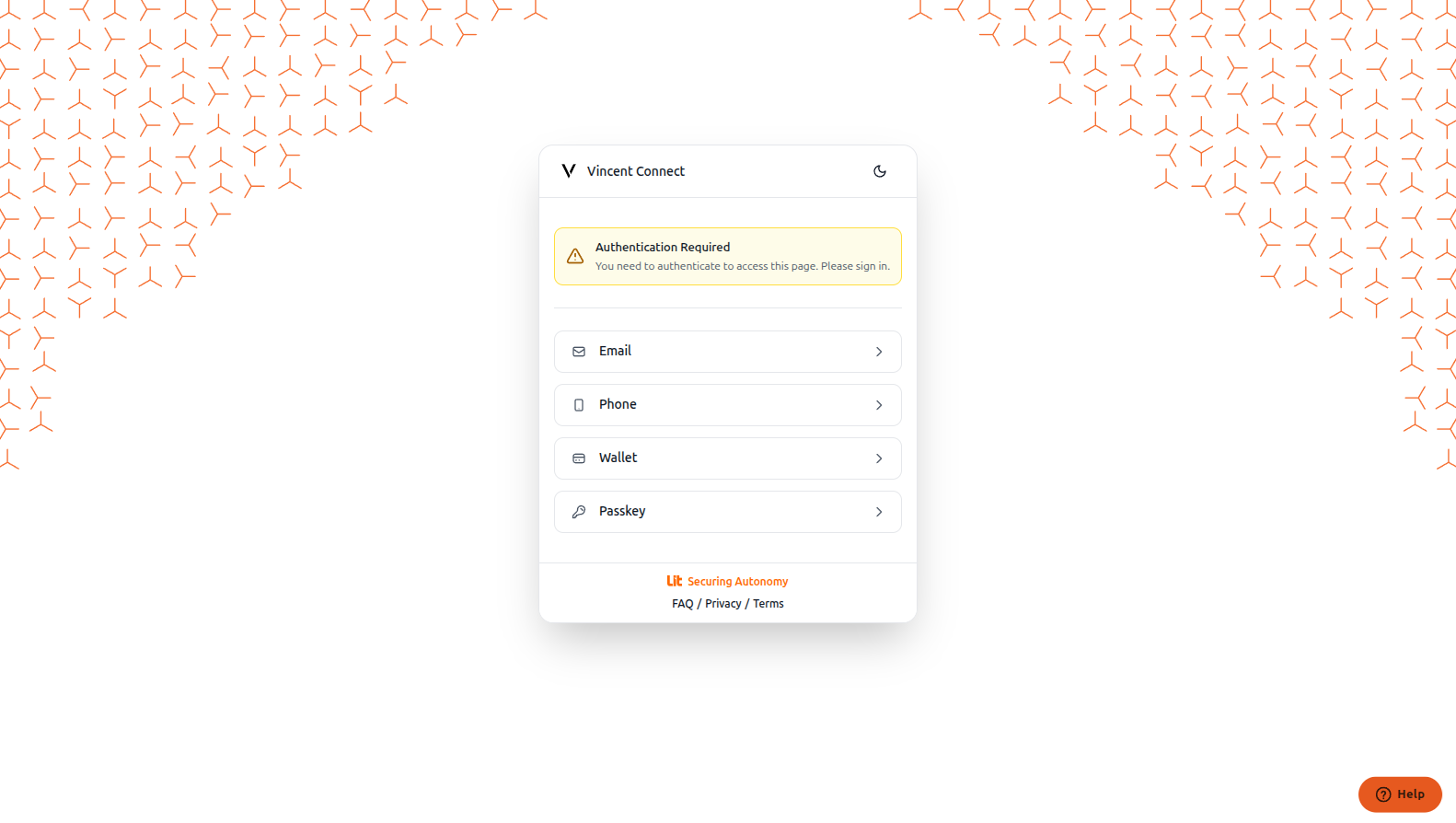
2
Access Your Vincent Policy
After logging in, navigate to your policy through the sidebar menu.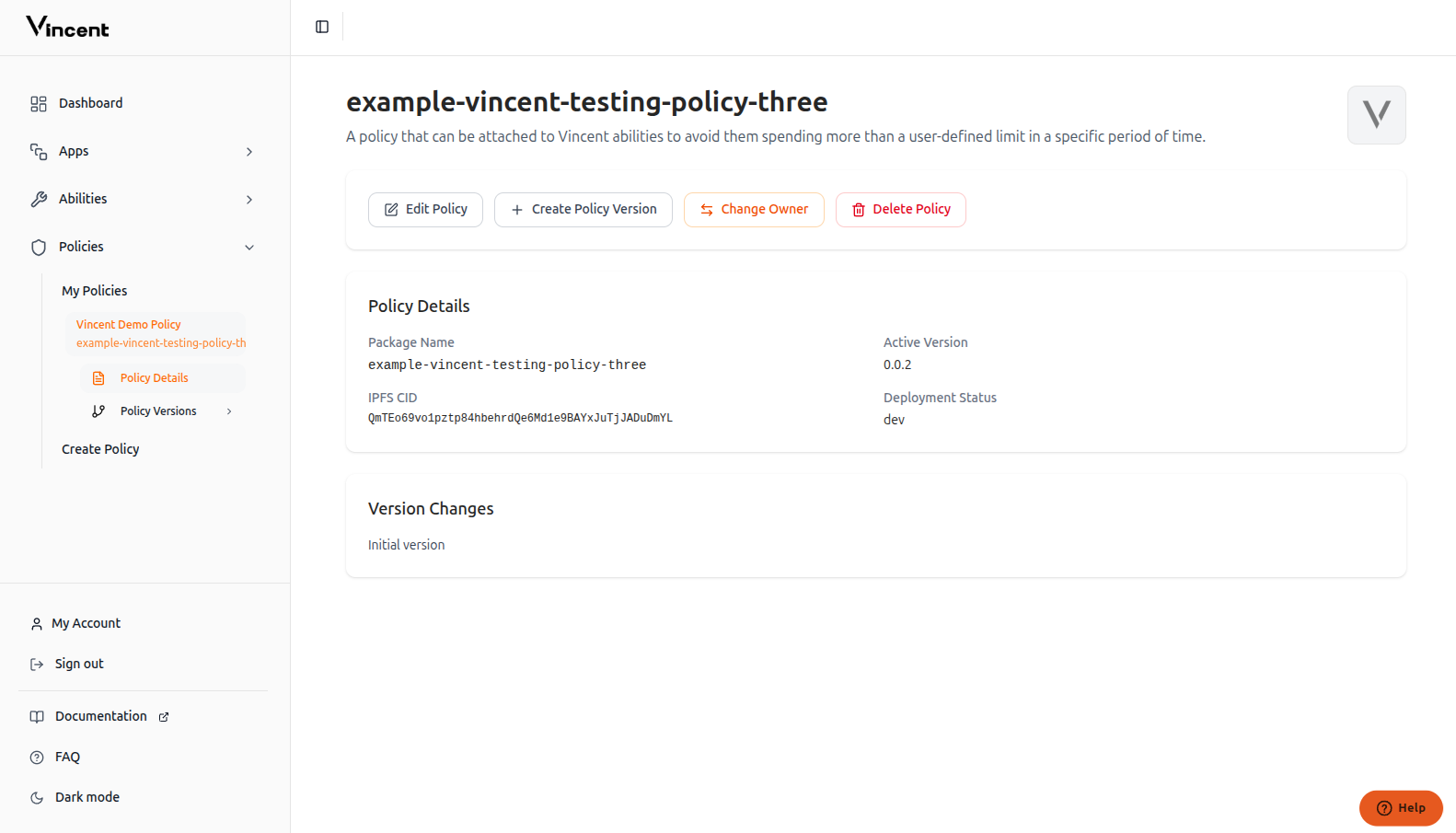
3
Create Policy Version
Click the Create Policy Version button to create a new version of your existing policy.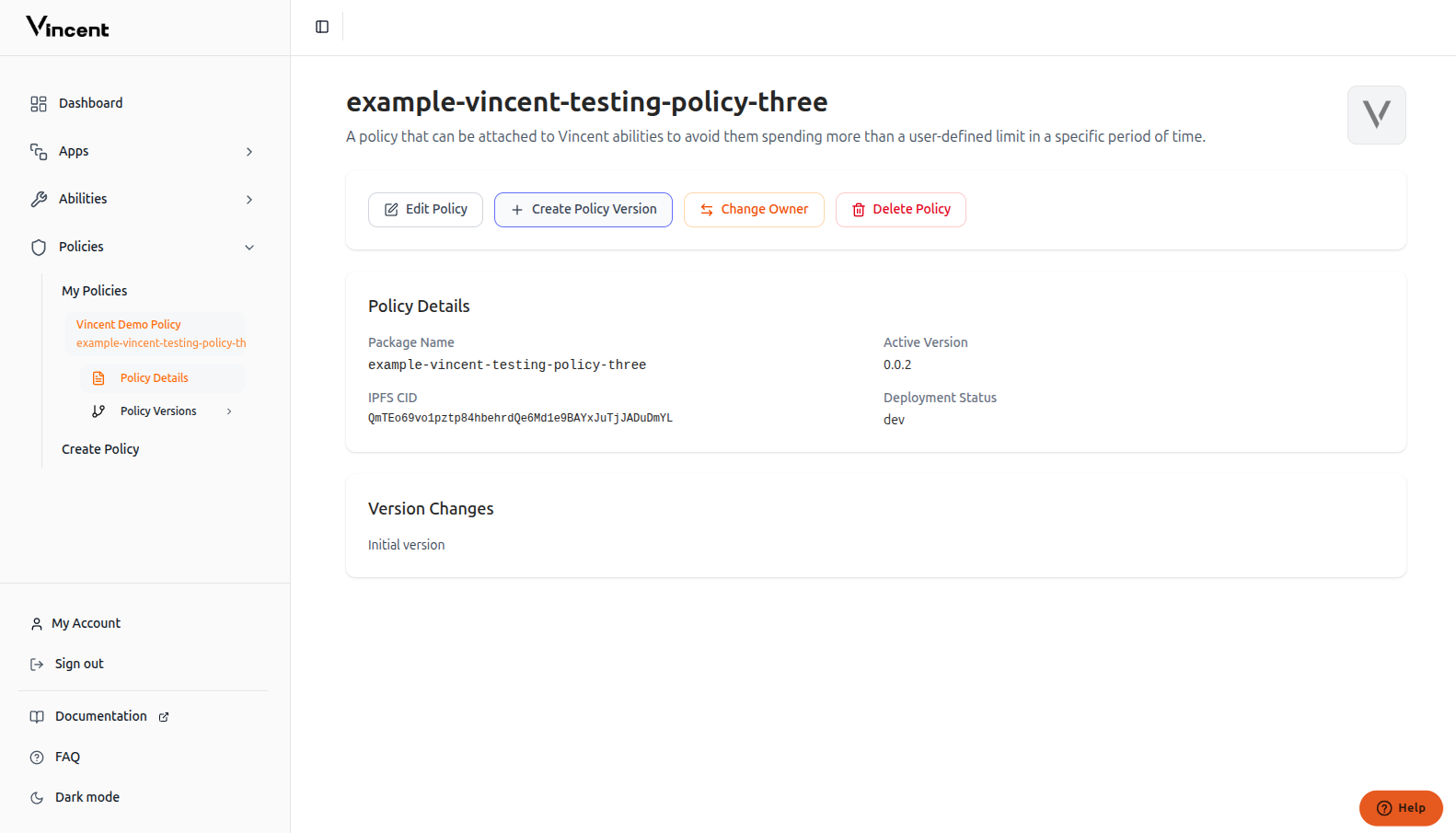
4
Fill in Version Details
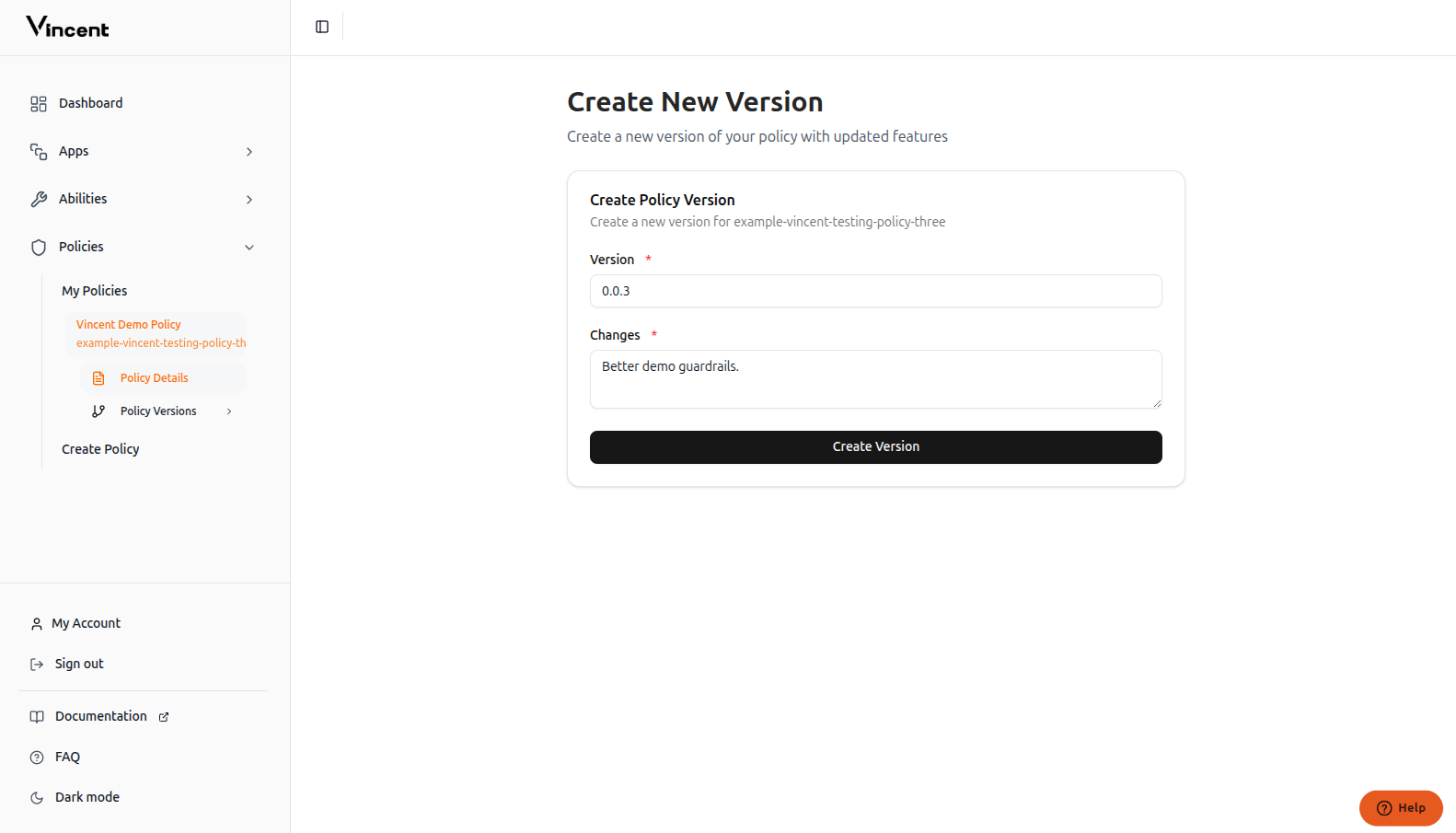
5
Success!
Your new policy version has been successfully added to the Vincent database and is now available for Ability developers to use.
FAQ
What if version creation failed?
What if version creation failed?
If your policy version creation fails, try these solutions:
- Check npm publication: Make sure the policy version is published on npm and publicly accessible
- Verify policy setup: Ensure the policy is published properly with all required metadata
- Review implementation: Check that your policy follows the correct structure and conventions
Next Steps
Policy Quick Start
Build your first Policy with the starter kit
Publishing Policies
Publish your updated Policy version