

1
Log into the Vincent Developer Dashboard
Go to the Vincent Developer Dashboard and log in with your preferred authentication method.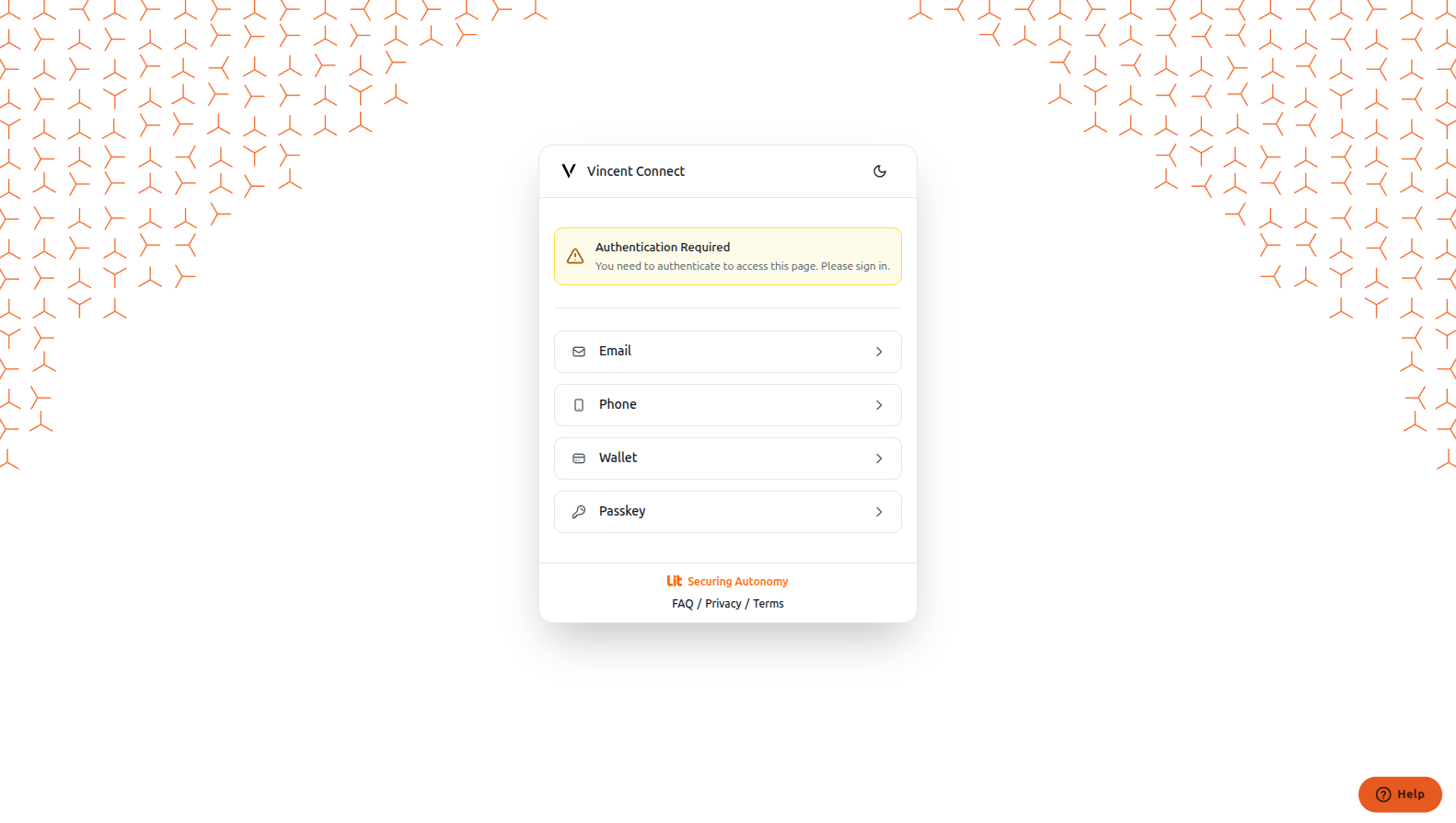
2
Create a New Vincent Ability
After logging in, click the Create an ability button to access the Create Ability Page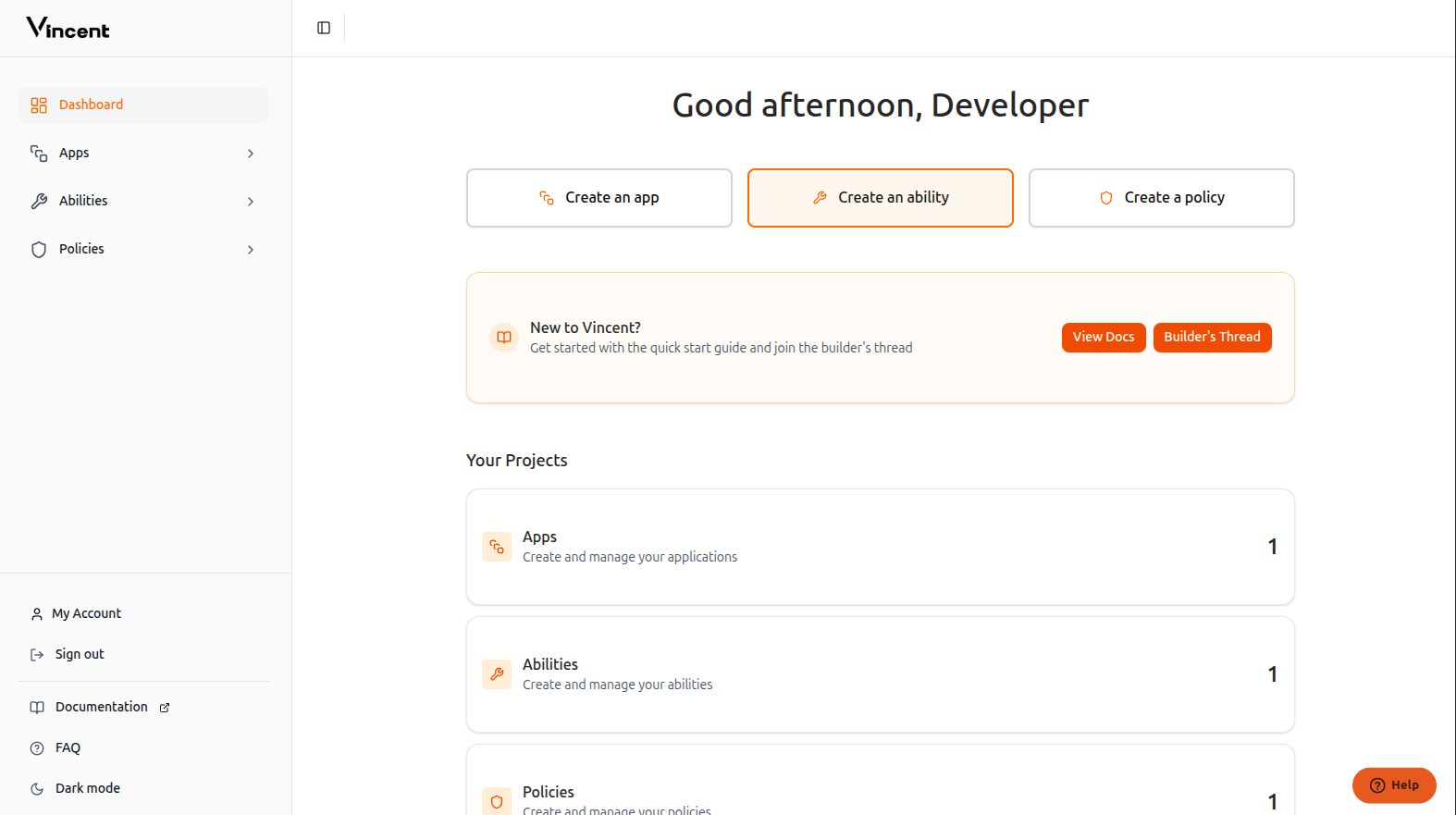
3
Fill in the Ability Details
Complete the form with your ability information: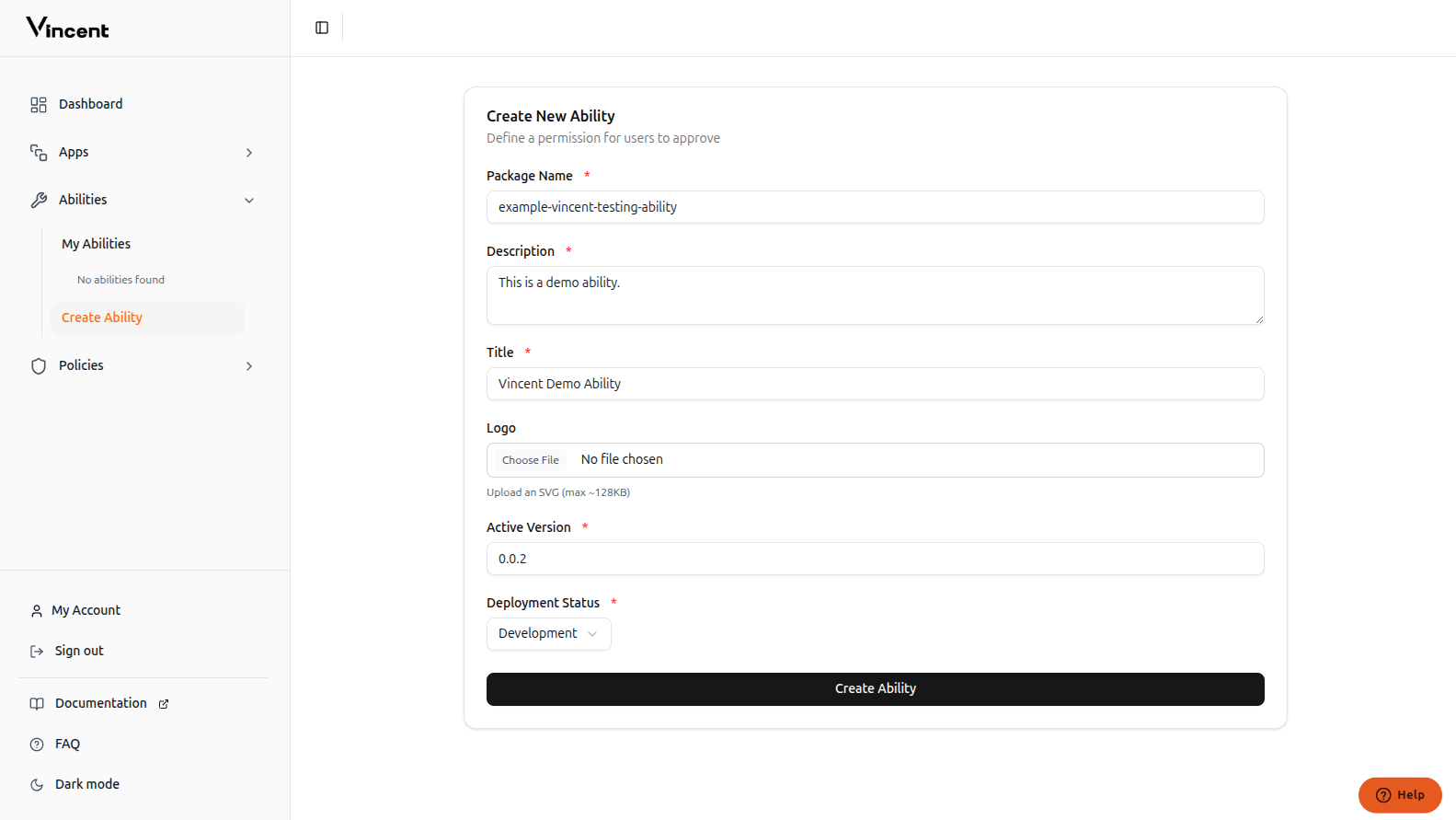
string
required
The published
npm package namestring
required
The ability description
string
required
The ability title
image
required
Image of your ability shown to users while connecting
string
required
The ability version which will be used by app creators
string
The current status of the ability
4
Ability Successfully Created
Your ability has been successfully published to the Vincent database and is now available for app developers to use.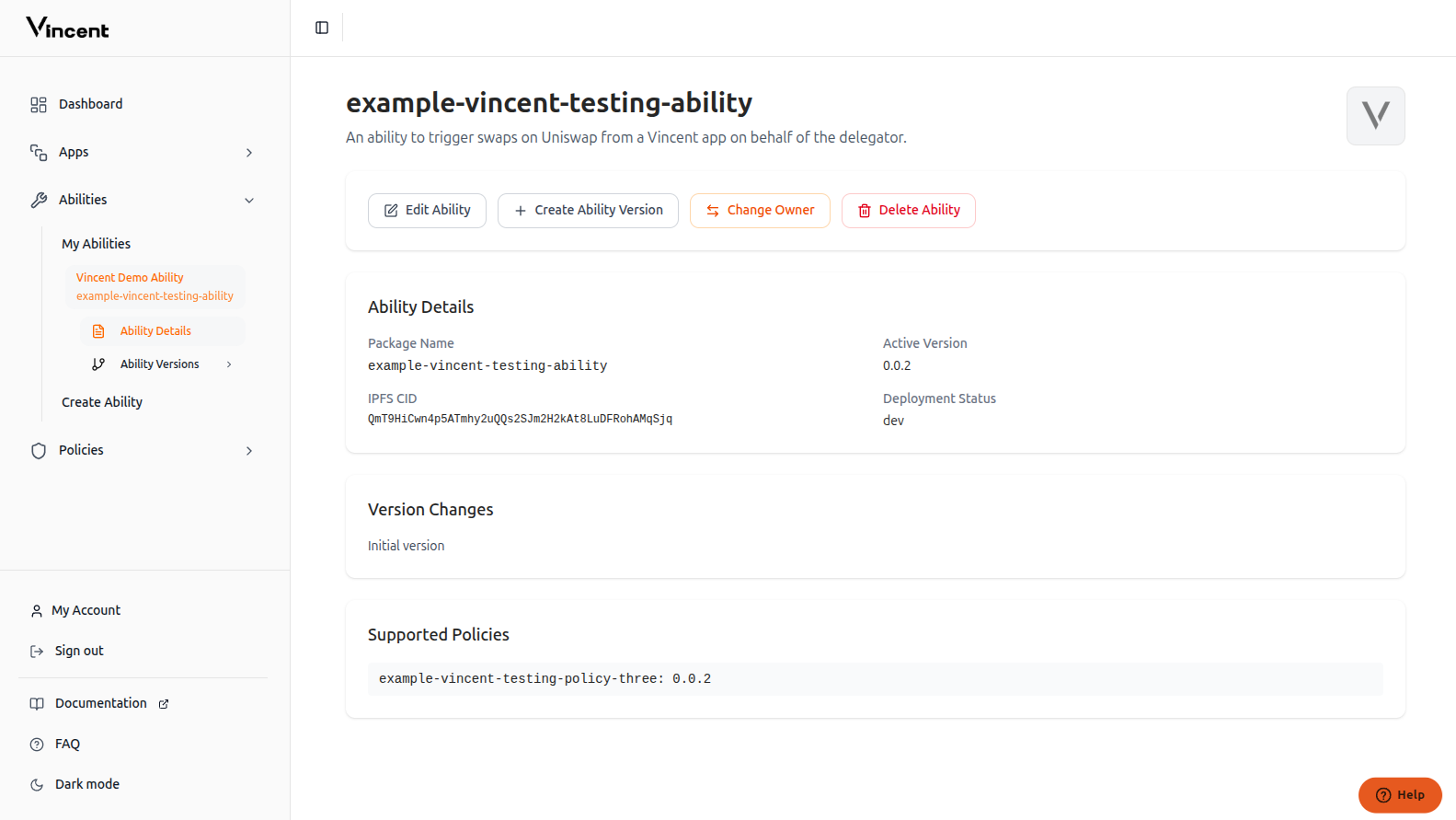
This version must be published to
npm. Aside from the package name, all other metadata is editable.Updating Your Ability
When you want to release a new version of your ability, you’ll need to update our database with the new version information. We’ll cover the version update process in the next section.Next Steps
Ability Quick Start
Build your first Ability with the starter kit
Supporting Policies
Learn how to integrate Policies with your Abilities