

1
Log into the Vincent Developer Dashboard
Go to the Vincent Developer Dashboard and log in with your preferred authentication method.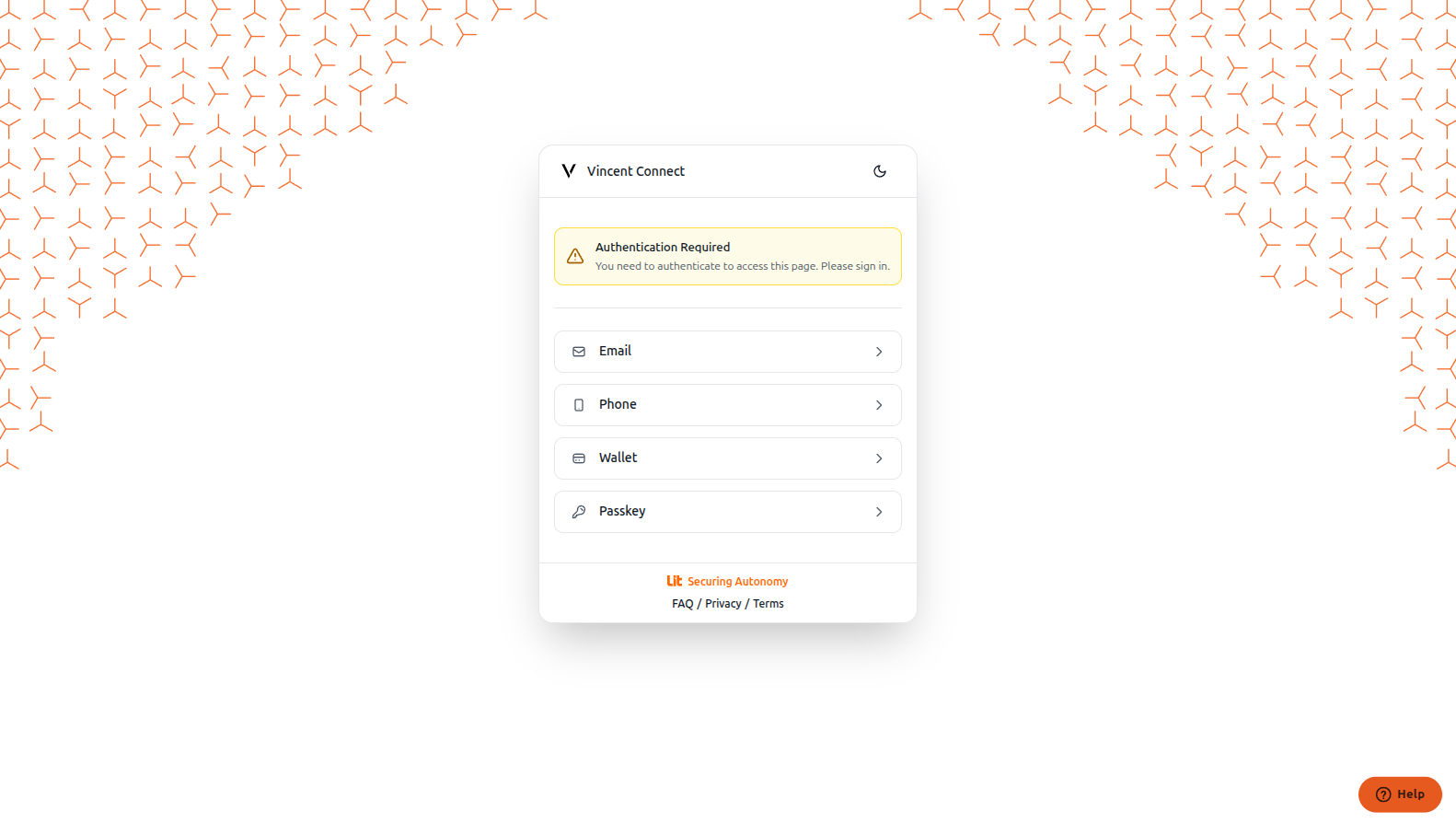
2
Access Your Vincent Ability
After logging in, navigate to your ability through the sidebar menu.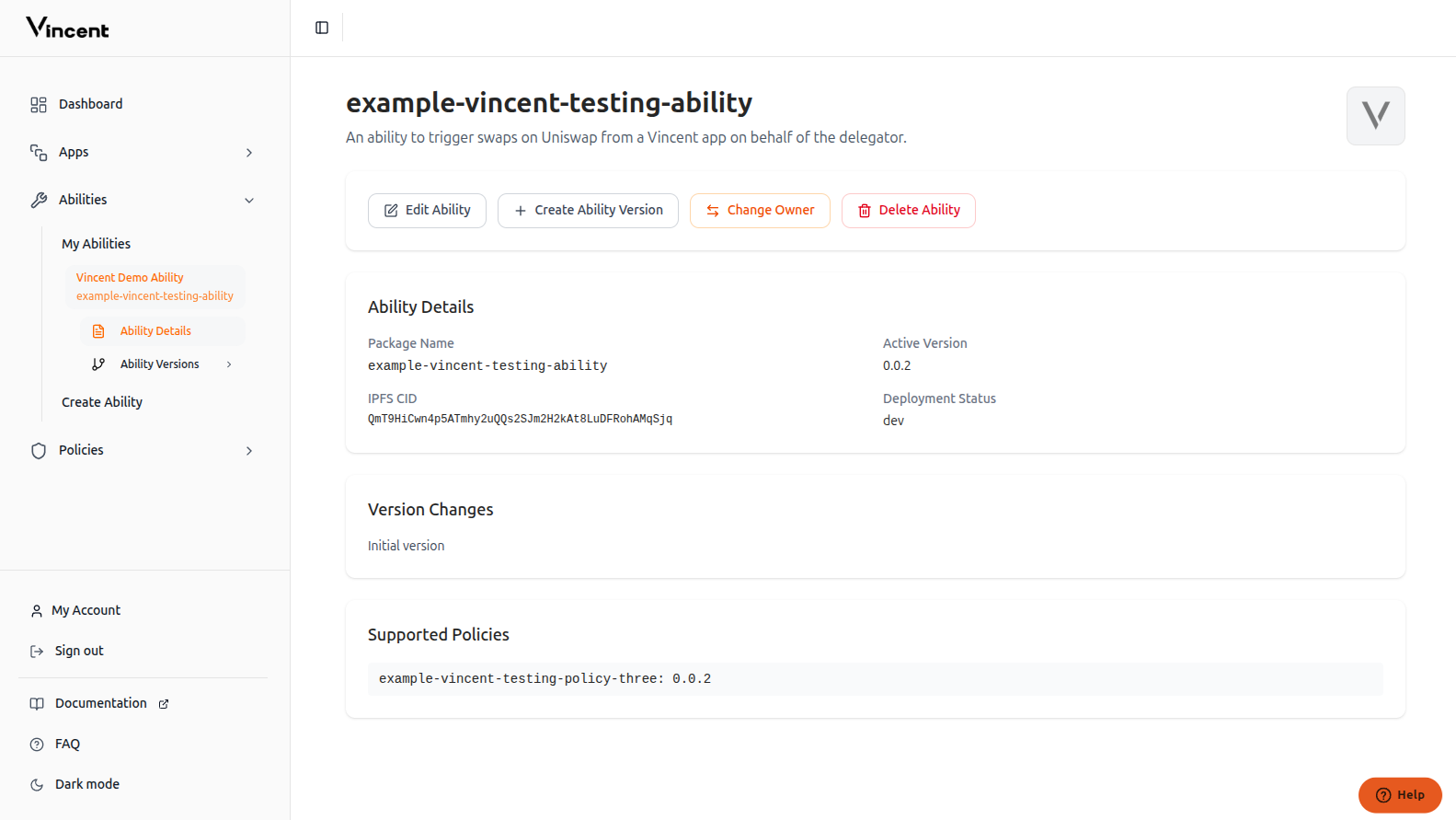
3
Create Ability Version
Click the Create Ability Version button to create a new version of your existing ability.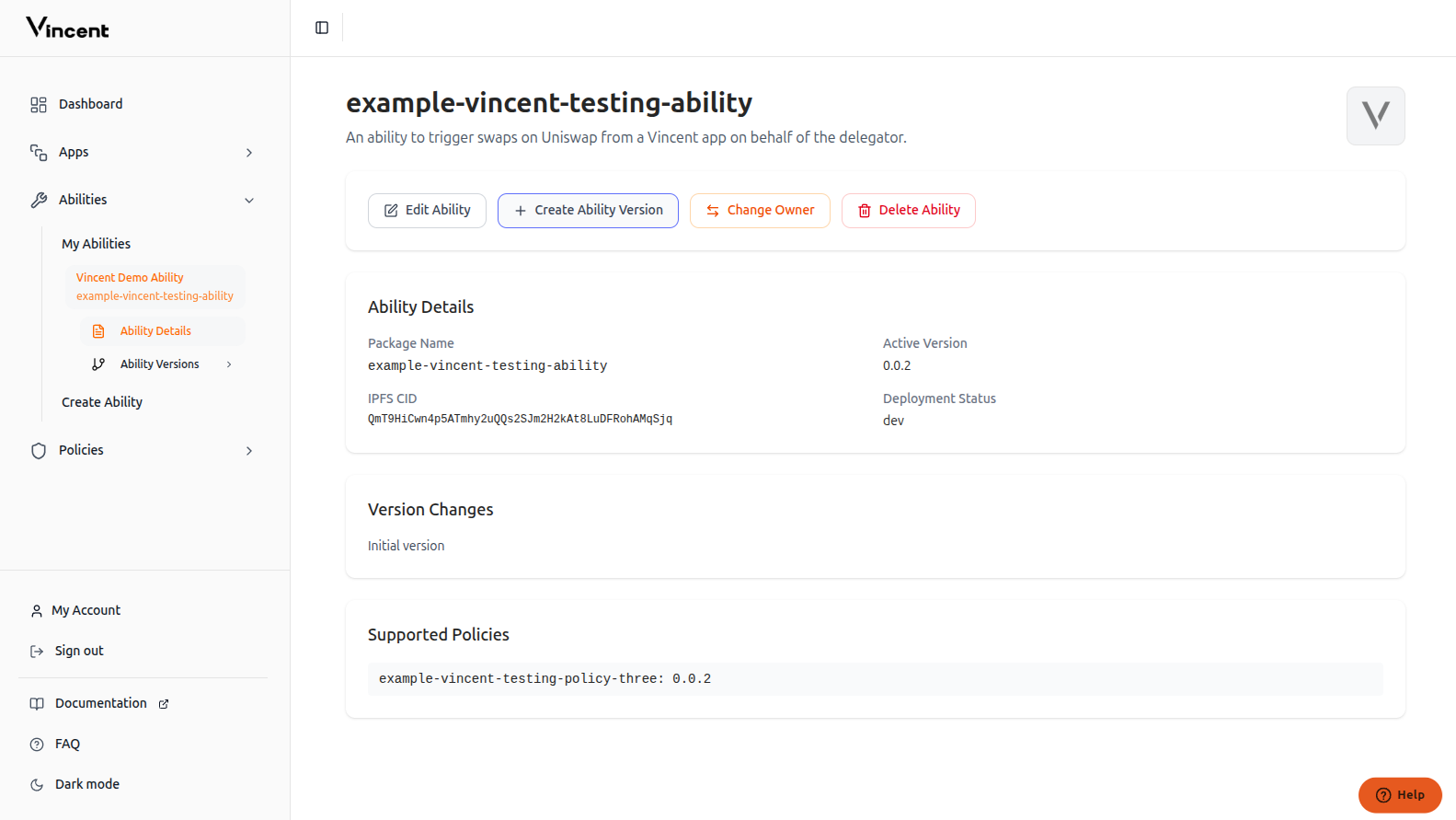
4
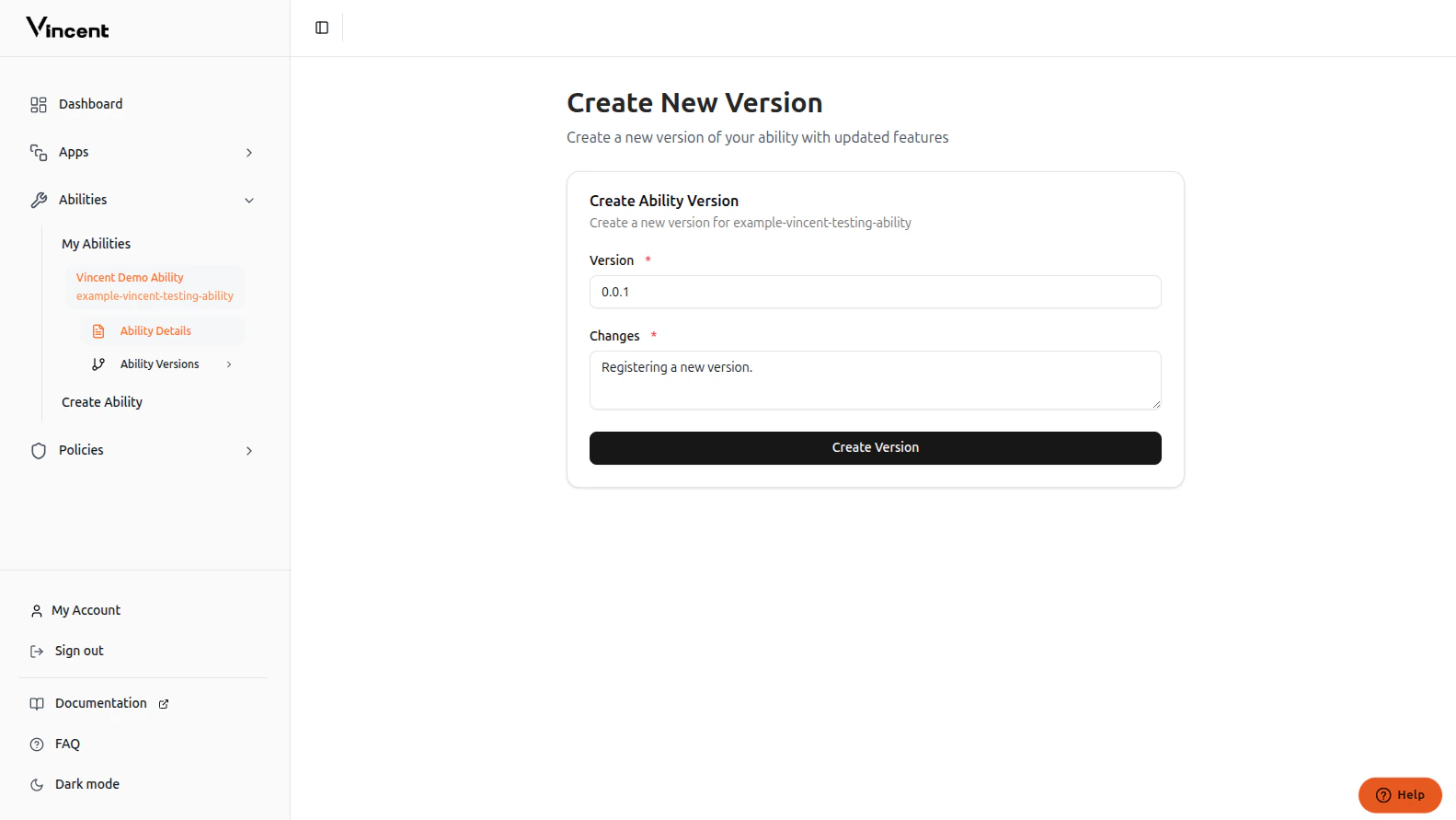
5
Version Successfully Created
Your new ability version has been successfully added to the Vincent database and is now available for app developers to use.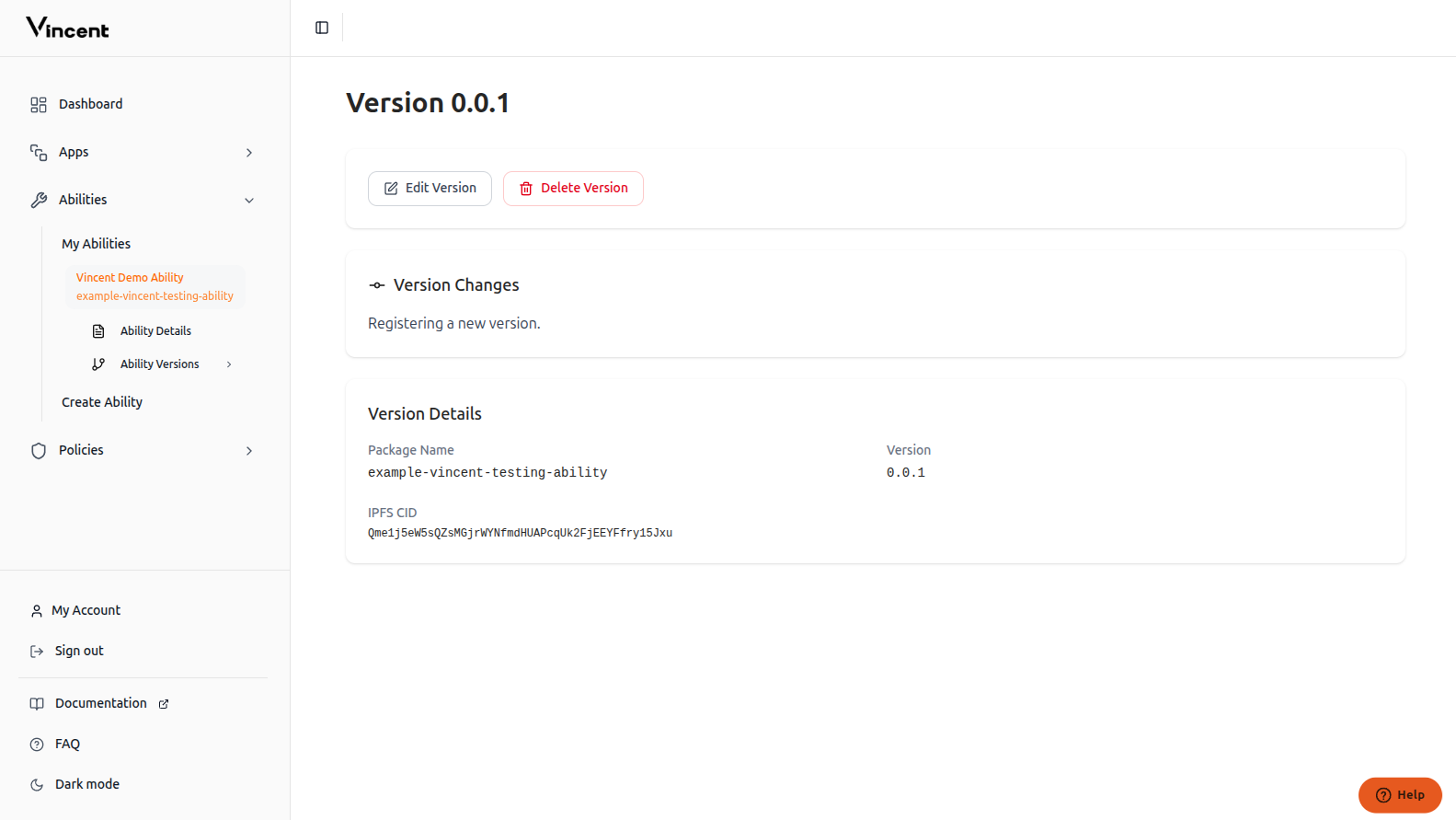
Next Steps
Ability Quick Start
Build your first Ability with the starter kit
Supporting Policies
Learn how to integrate Policies with your Abilities